
Building Dashboards That SOC Analysts Actually Use (Not Just Look Pretty)
A dashboard that wins admiration in a demo and a dashboard that survives a 3 a.m. shift are two very different things. Here's how to design for the second one — a UX-meets-security approach that most technical guides skip entirely.
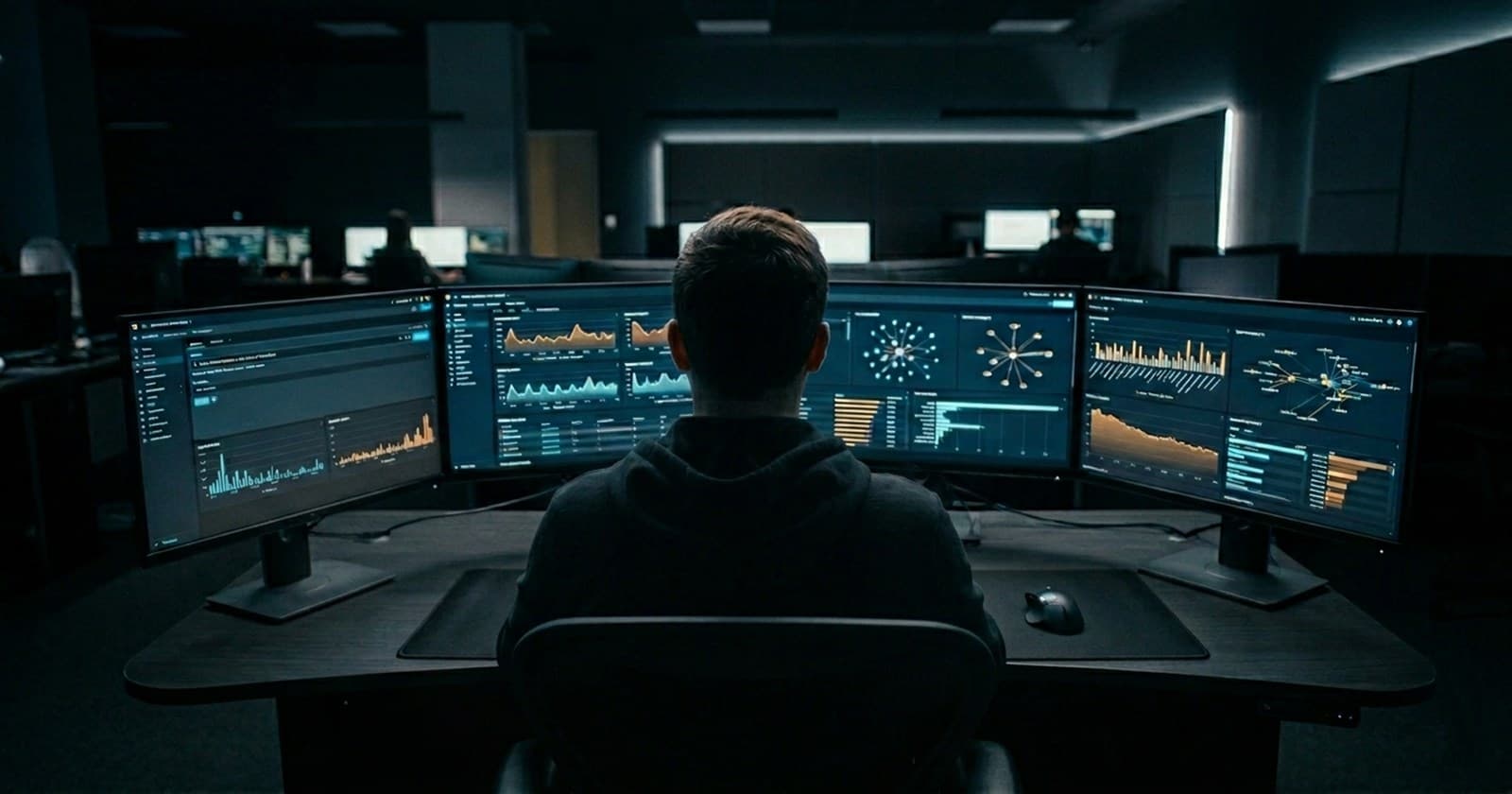
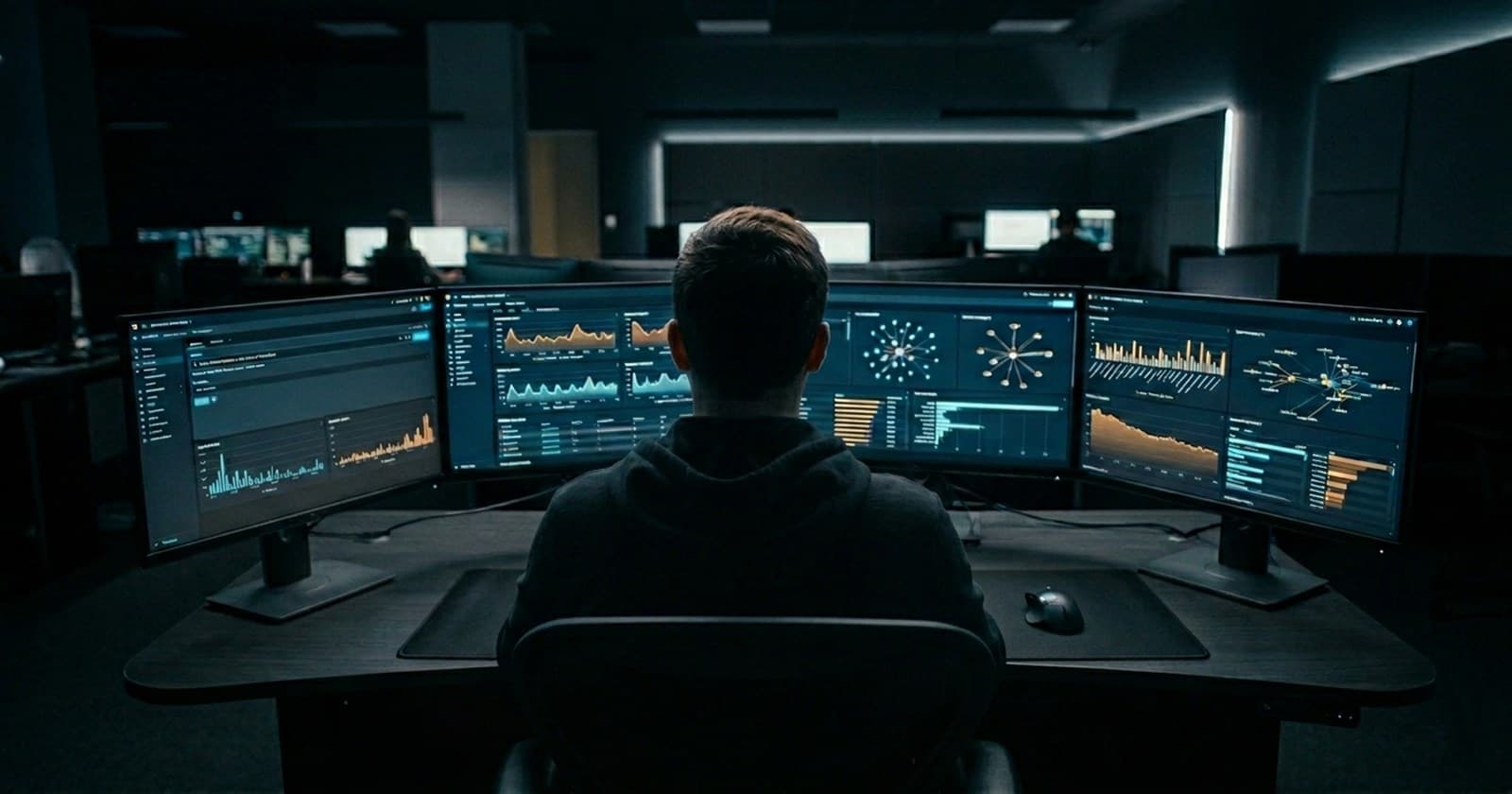
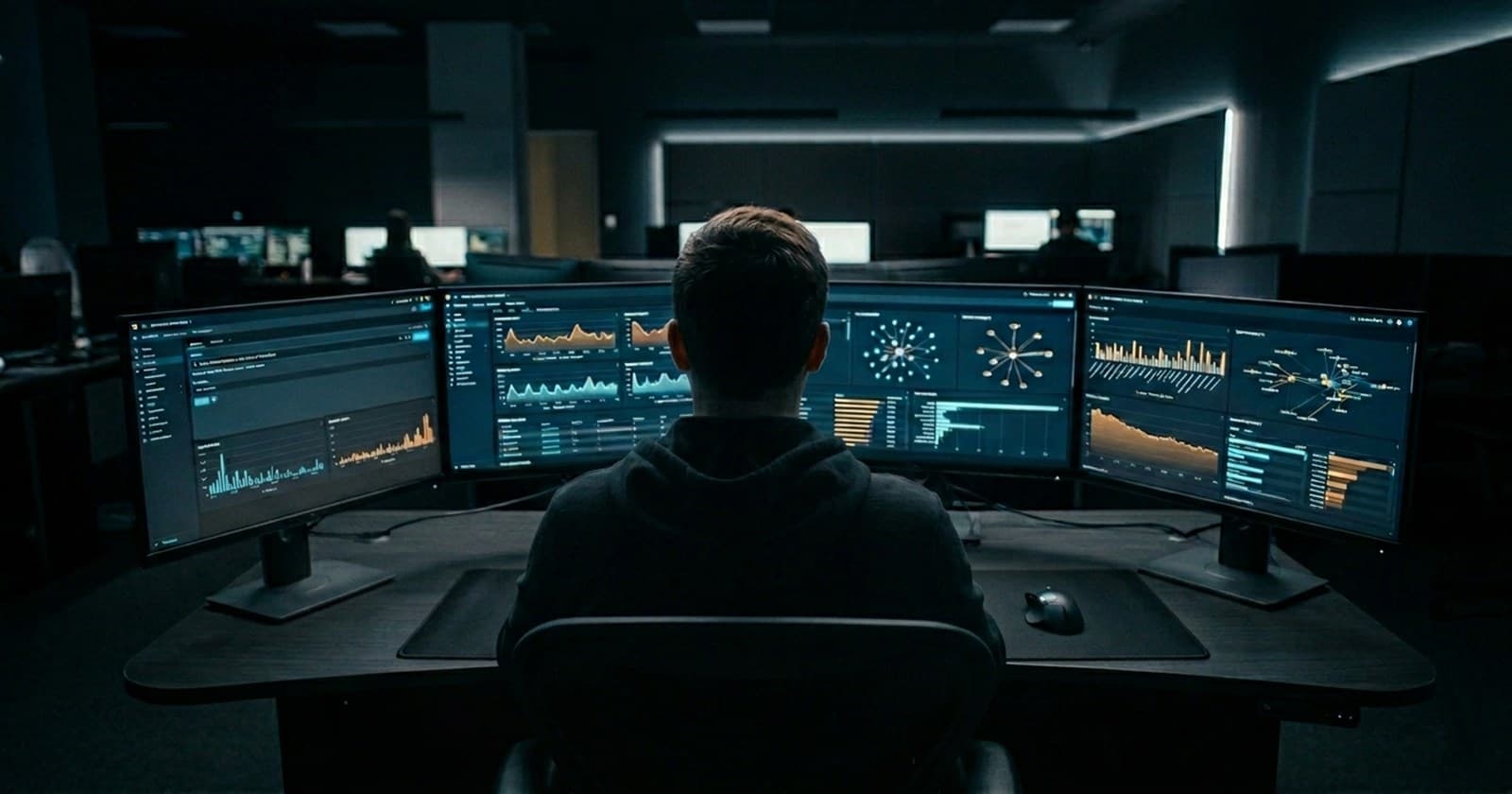
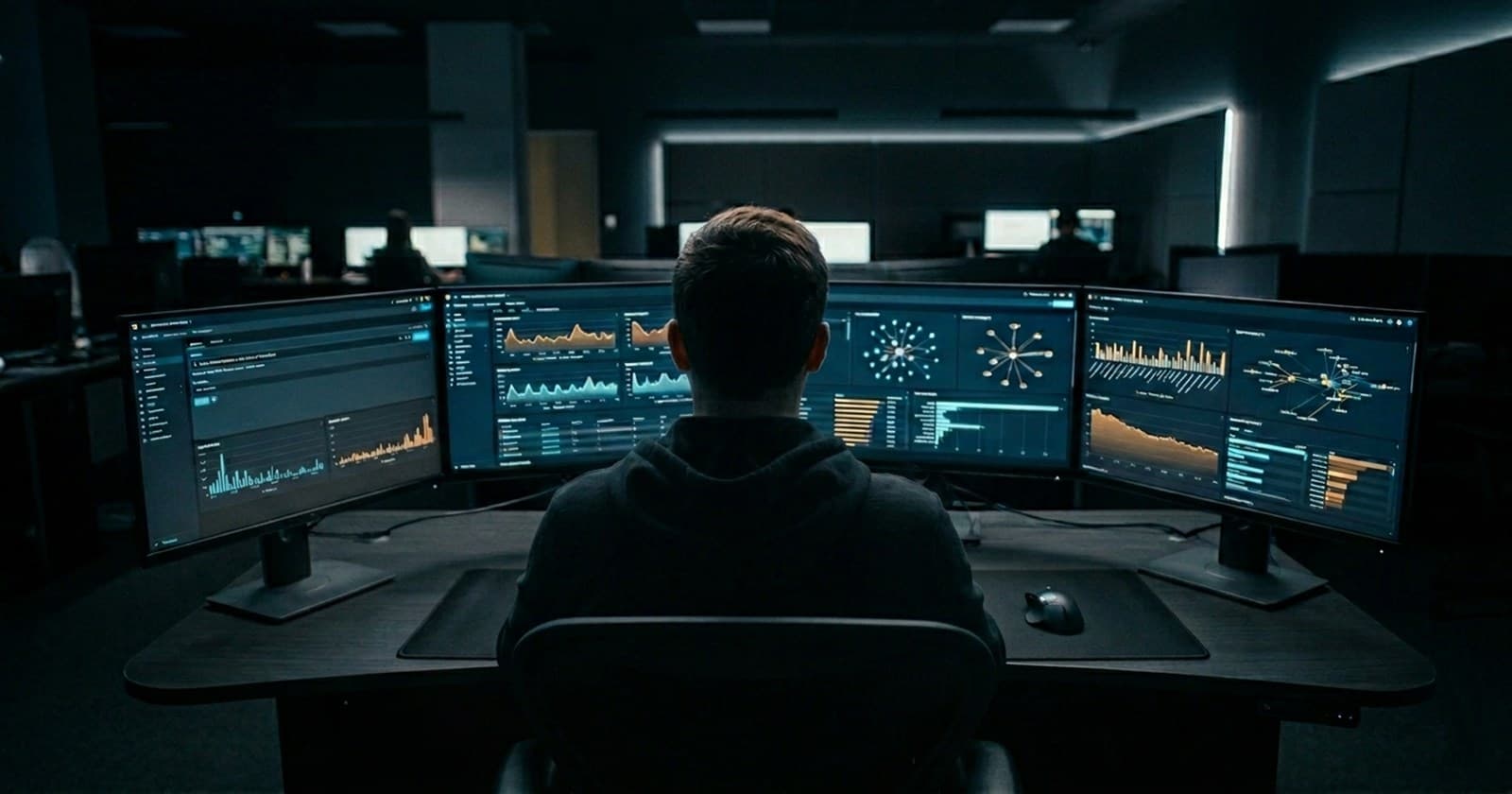
Picture two dashboards. The first is dense with panels — heat maps, geographic plots, animated counters, a dozen colors competing for attention. It's the one that gets shown in leadership meetings, and it photographs beautifully for a slide deck. The second is plainer — fewer panels, more whitespace, mostly tables and simple time charts. It's the one analysts actually have open, silently, in a browser tab, every single night.
Ask any analyst which one they reach for at 3 a.m. when an alert fires and they have four minutes to decide whether it's serious. It's never the first one.
In Part 4, you built detections that surface real, meaningful patterns. This part is about the layer that sits between those detections and the human being who has to act on them — and about a truth that rarely makes it into technical documentation: a dashboard is not a report. It's a tool someone reaches for under pressure, and its design should be judged by exactly that standard.
Why "looks impressive" and "is useful" often pull in opposite directions
A dashboard built to impress is usually optimized for breadth — showing as much as possible, in as much visual variety as possible, so that anyone glancing at it senses that a great deal of sophisticated work is happening underneath. A dashboard built for actual use is optimized for the opposite: speed of comprehension under stress, when the person looking at it is tired, time-pressured, and specifically trying to answer one narrow question — "is this real, and how bad is it?"
These two goals don't just differ. They actively conflict. Every additional panel, color, and visual flourish adds something the analyst's eyes have to move past, and something their brain has to decide is not what they're looking for, before they can find what they actually need. In a calm meeting room, that's a minor inconvenience. In the middle of a live incident, it's friction that costs real time — and in security operations, time is very often the entire game.
Principle 1: Design around the question, not the data
The most common mistake in dashboard design is starting from "what data do we have?" and building outward from there. The better starting point is "what specific question is the person looking at this trying to answer, and how fast do they need the answer?"
For a SOC analyst triaging alerts, that question is rarely abstract. It's almost always some version of:
"Is this worth investigating further, or can I close it?"
"What else has this user or this source IP been doing recently?"
"Has this happened before, and how was it handled last time?"
A dashboard built around these questions looks structurally different from one built around "let's display everything we're collecting." It leads with the answer to the first question — often a simple severity indicator and a one-line summary — and only then offers the supporting detail needed to answer the second and third, laid out so the analyst can find it without hunting.
In practice, this means: before placing a single panel, write down the three or four questions the dashboard's primary user will actually be asking when they open it. Then design every panel to serve one of those questions directly. If a panel doesn't map to one of those questions, it's very likely competing for attention rather than earning it — and it's a strong candidate to cut, or move somewhere less prominent.
Principle 2: Lead with the judgment, support it with the detail
Compare two ways of presenting the exact same underlying information.
Version A — a table listing raw event counts:
| stats count by user, src_ip, _time
| table _time, user, src_ip, count
Version B — the same data, but reshaped to lead with a judgment:
| stats count as failures by user, src_ip, _time
| eval severity=case(
    failures > 50, "High - investigate immediately",
    failures > 20, "Medium - review when possible",
    1=1, "Low - informational"
  )
| sort -failures
| table _time, severity, user, src_ip, failures
Version A asks the analyst to look at a number and decide what it means — every single time, for every single row, drawing on memory and judgment that may be running thin by hour seven of a shift. Version B has already done that translation, consistently and in advance, and simply presents the conclusion alongside the evidence that supports it. The analyst can scan the severity column in seconds, and drop into the supporting detail only for the rows that actually warrant a closer look.
This is the same case-based reasoning you used back in Part 4 to distinguish brute-force from spraying patterns — and it's worth noticing that it belongs just as much in how you display a detection as in how you define one. Translating raw numbers into plain-language judgments isn't just good detection design. It's good dashboard design, applied at the very last step before a human being sees the result.
Principle 3: Build a layout that mirrors how an investigation actually unfolds
A genuinely useful dashboard often reads top to bottom the way an investigation naturally proceeds — moving from "what's the overall picture right now?" down to "let me look closely at this one specific thing."
A structure that tends to work well in practice:
Top: a small number of high-level indicators. How many notable events are currently open? How many are high severity? Has anything unusual happened in the last hour compared to the same hour yesterday? This section should be readable in about five seconds — its entire job is orientation, not detail.
Middle: the active items that need a decision. A table of current alerts or notable events, sorted by severity, with the judgment-bearing fields (like the
severitycolumn above) visible without needing to click into anything.Bottom: supporting context for whatever the analyst is currently focused on. Recent activity for the specific user or source IP involved, historical comparisons, links to related events — the detail that turns "here's an alert" into "here's everything you need to decide what to do about this alert."
This structure mirrors the natural arc of triage: orient, prioritize, investigate. An analyst can stop reading at whichever stage answers their current question — sometimes that's the top section alone, sometimes it's all three — without the dashboard forcing them through information they don't yet need.
Principle 4: Make drill-downs do the navigating, not the analyst
One of Splunk's most genuinely useful dashboard features is the ability to make panels clickable — turning a summary view into a doorway straight into the relevant detail, without the analyst needing to manually rebuild a search from scratch under time pressure.
For example, a summary panel showing flagged users and source IPs can be configured so that clicking a row opens a dedicated, pre-filtered view of that specific user's recent activity — built directly on the user and src_ip fields already present in the panel's results. The analyst goes from "here's a flagged combination" to "here's everything this specific account has done in the last 24 hours" in a single click, with no need to pause, recall the right search syntax, and type it out from memory while already under pressure.
This single feature, set up well, often saves more analyst time across a single shift than any amount of additional visual polish elsewhere on the same dashboard — because it removes an entire category of manual, error-prone, context-switching work from the busiest moments of the job.
Principle 5: Resist the urge to add "just one more panel"
Dashboards tend to grow over time — someone asks for one more metric, then another, and within a few months a once-clean view has become a dense wall of panels that takes longer to scan than it would take to just run a search directly. This pattern is so common across security teams that it's worth treating as a predictable hazard rather than an occasional accident.
A simple, sustainable habit: every time you're tempted to add a new panel, ask whether something existing could be replaced rather than added to. And periodically — every few months is a reasonable cadence — sit with an actual analyst while they use the dashboard during a real shift, and watch closely for two things: which panels they glance at constantly, and which ones they scroll straight past without a second look. The second group is your strongest, most concrete signal for what to simplify or remove next.
Bringing it back to what you've built so far
Everything in this part connects directly to the work from Parts 1 through 4. The SPL fundamentals from Part 2 are what let you reshape raw results into something presentable. The case-based judgment logic from Part 3 and Part 4 is exactly what powers the severity translations that make a dashboard scannable at a glance. And the three detections you built in Part 4 are now precisely the kind of content that deserves a dashboard designed around the principles in this part — rather than being left to surface only as a raw, unstyled list of search results that an analyst has to interpret cold, alone, in the middle of a shift.
Coming up in Part 6
A well-designed dashboard makes detections easier to act on — but it can't fix a detection that fires too often to be trusted. If analysts start seeing the same alert ten times a night, regardless of how clearly it's presented, they will eventually stop looking at it closely — and that's exactly the moment a real threat slips through unnoticed. In the final part (Coming Soon) of this series, we'll tackle alert fatigue directly: how to tune your detections so they stay sharp enough to catch what matters, without burying the people who depend on them in noise.